The landscape of the modern workforce has undergone a permanent transformation. The shift toward remote and hybrid work models has turned the “home office” from a luxury into a necessity. However, as virtual collaboration becomes the primary mode of professional interaction, a standard desk in the corner of a bedroom is often no longer sufficient. For professionals who spend a significant portion of their day in high-stakes negotiations, team brainstorming sessions, or client presentations, the next logical step is the creation of a dedicated home meeting room.
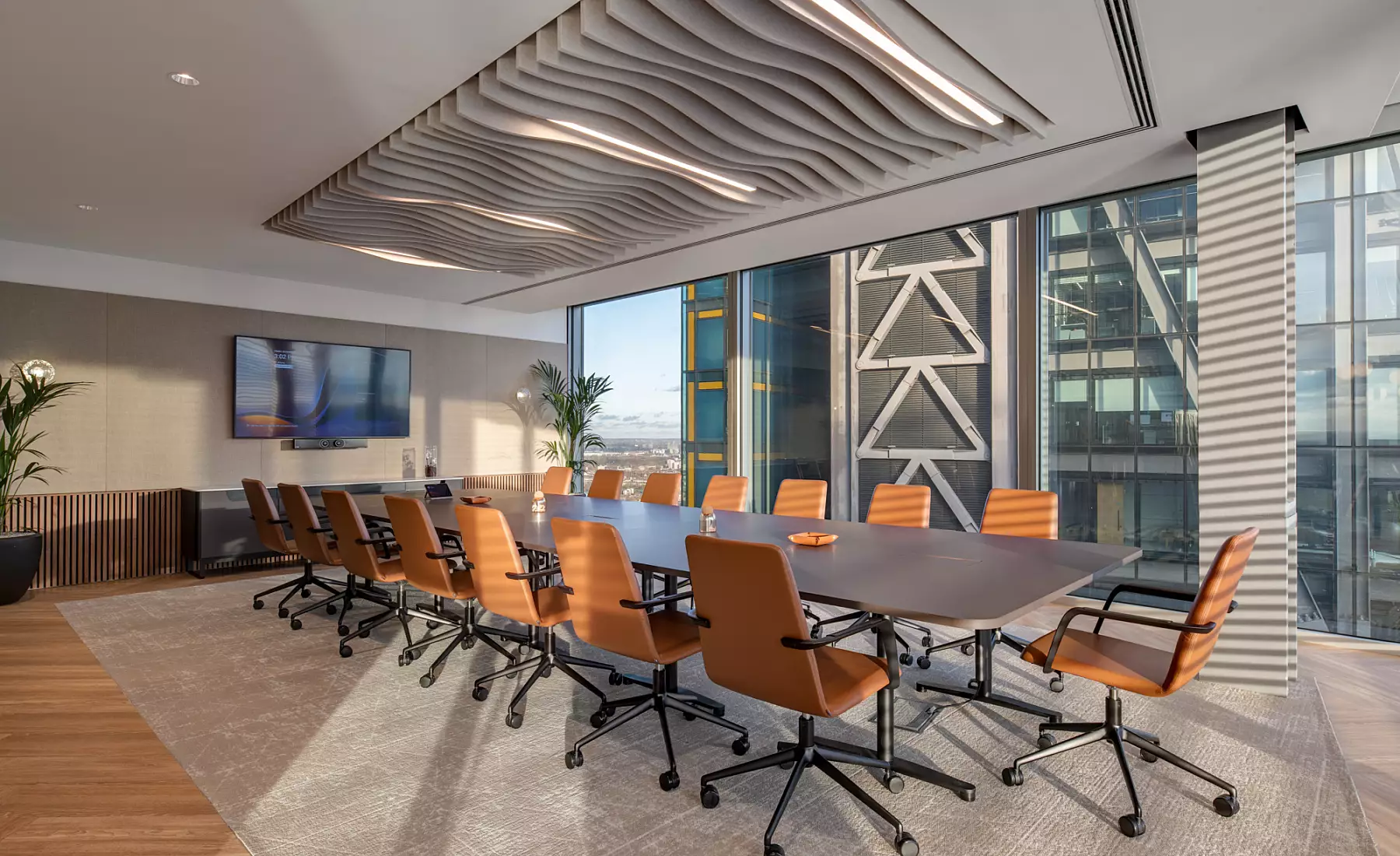
A dedicated meeting space is designed with a specific focus on acoustics, lighting, and professional aesthetics. It is a space that minimizes distractions and maximizes the quality of digital communication. Whether you are transforming a spare bedroom or partitioning a section of a larger room, this guide explores the essential elements of creating a professional meeting environment at home.
Selecting the Ideal Location
The success of a home meeting room begins with its placement. Unlike a general workspace, a meeting room requires a high degree of isolation. When selecting a spot, consider the “noise map” of your home. Is the room adjacent to a noisy kitchen or a high-traffic hallway? Sound isolation is critical not just for your focus, but for the professional experience of the people on the other side of the screen.
If a completely separate room isn’t available, consider using heavy acoustic curtains or freestanding room dividers to create a visual and auditory boundary. The goal is to create a “controlled environment” where external variables—like a doorbell ringing or a pet barking—are muffled or eliminated entirely.
Optimizing Acoustics for Crystal Clear Audio
In a virtual meeting, audio quality is arguably more important than video. If your participants cannot hear you clearly, the meeting’s objective is compromised. Most residential rooms are full of “hard” surfaces—wood floors, glass windows, and drywall—which cause sound waves to bounce, creating an echo or a “hollow” sound.
To create professional-grade acoustics, you must introduce “soft” elements to absorb sound. This can be achieved through:
- Area Rugs: A thick rug can significantly reduce floor reflections.
- Acoustic Panels: Wall-mounted foam or fabric panels can be styled as art while serving a functional purpose.
- Bookshelves: A full bookshelf acts as a natural sound diffuser, breaking up sound waves and preventing them from bouncing back directly at your microphone.
Furthermore, investing in a dedicated external microphone—rather than relying on your laptop’s built-in mic—will immediately elevate your professional presence.
Mastering the Art of Video Lighting
Lighting is the difference between looking like a professional and looking like a silhouette in a dark room. The cardinal rule of video lighting is to have your primary light source in front of you, not behind you. If a window is located behind your desk, you will appear as a dark shadow to your audience.
The ideal setup is a “three-point lighting” system, but for home use, a high-quality ring light or a pair of LED desk lamps with adjustable color temperatures will suffice. Aim for a “daylight” setting (around 5600K) to ensure you look natural and vibrant. If you have a window, face it directly to utilize natural light, but ensure you have sheer curtains to soften the glare during the brightest parts of the day.
Designing a Professional Backdrop
Your background is a silent communicator of your brand and professional identity. A cluttered background of laundry or unorganized shelves can be a major distraction. When designing your backdrop, aim for “curated simplicity.”
A neutral wall with a single piece of high-quality art, a well-organized bookshelf, or a few healthy indoor plants can create a sophisticated and inviting atmosphere. Avoid high-gloss paint or mirrors behind you, as these can create distracting reflections. If you prefer a digital background, ensure you have a “green screen” or a solid-colored wall behind you so that the software can render the virtual image without “glitching” around your hair or shoulders.
Ergonomics and Technology Integration
Since meetings can often run for hours, ergonomics cannot be overlooked. A high-quality chair that supports your posture and a desk at the correct height are essential for maintaining energy and focus.
From a technological standpoint, stability is key. If possible, bypass the Wi-Fi and use a hardwired Ethernet connection to ensure your video stream doesn’t lag or drop during a critical presentation. Additionally, consider a dual-monitor setup: one screen for the video call itself and the other for your notes, presentations, or data. This allows you to maintain “eye contact” with the camera while still having easy access to your reference materials.
Conclusion
Creating a home meeting room is an investment in your professional future. It signifies a transition from “working from home” to “operating a professional studio.” By focusing on the pillars of acoustics, lighting, and curated aesthetics, you create an environment that not only boosts your own productivity but also commands respect from colleagues and clients.
In the digital age, your meeting space is your storefront. Taking the time to optimize this environment ensures that your ideas are heard, your presence is felt, and your professional image remains untarnished, regardless of the physical distance between you and your audience. A well-designed meeting room is more than just a space; it is a tool for professional excellence.
Would you like me to provide a specific list of recommended hardware, such as microphones and cameras, that fit different budget tiers for your home meeting room?